
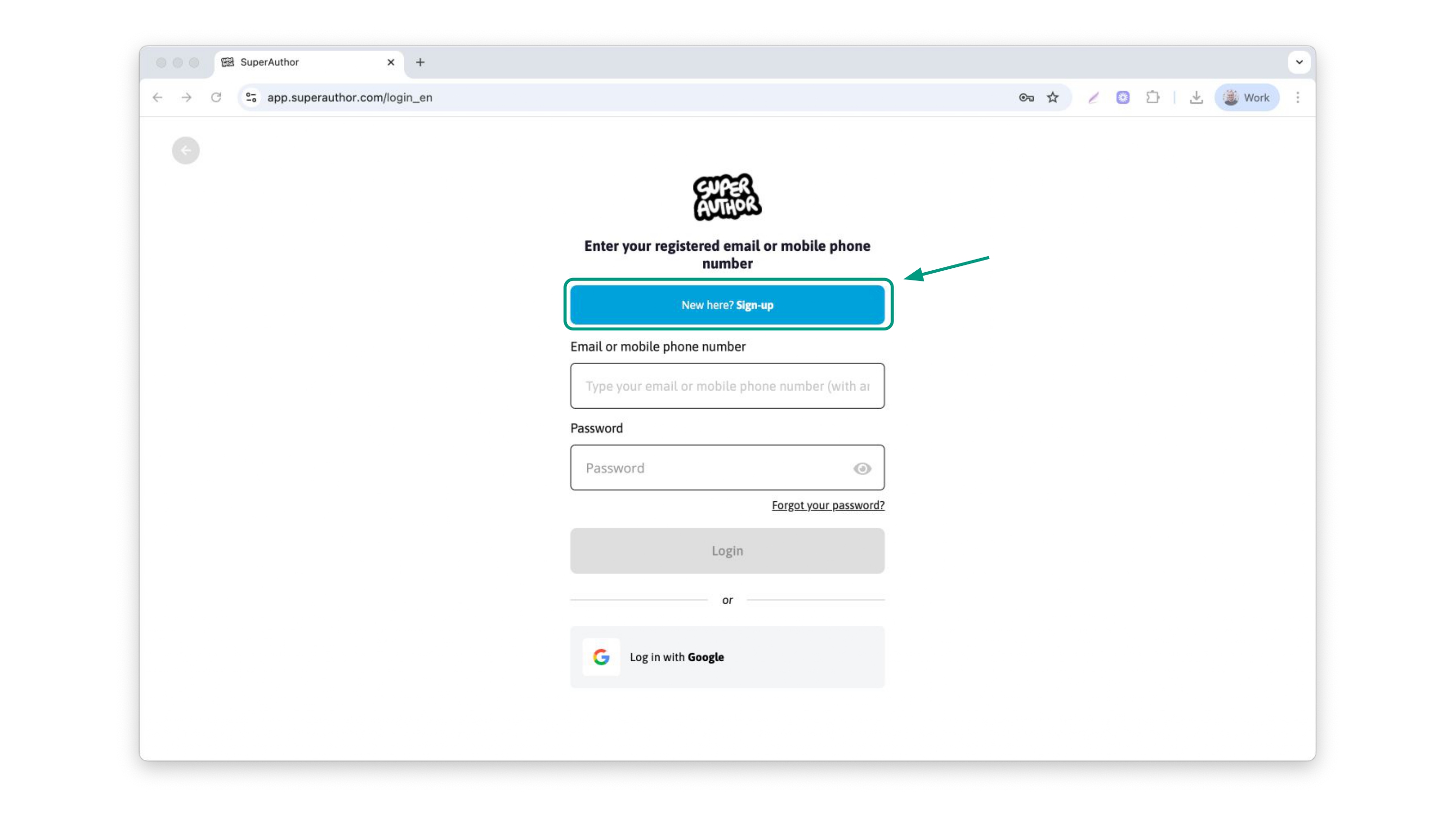
Join app.superauthor.com and click on the sign up button.
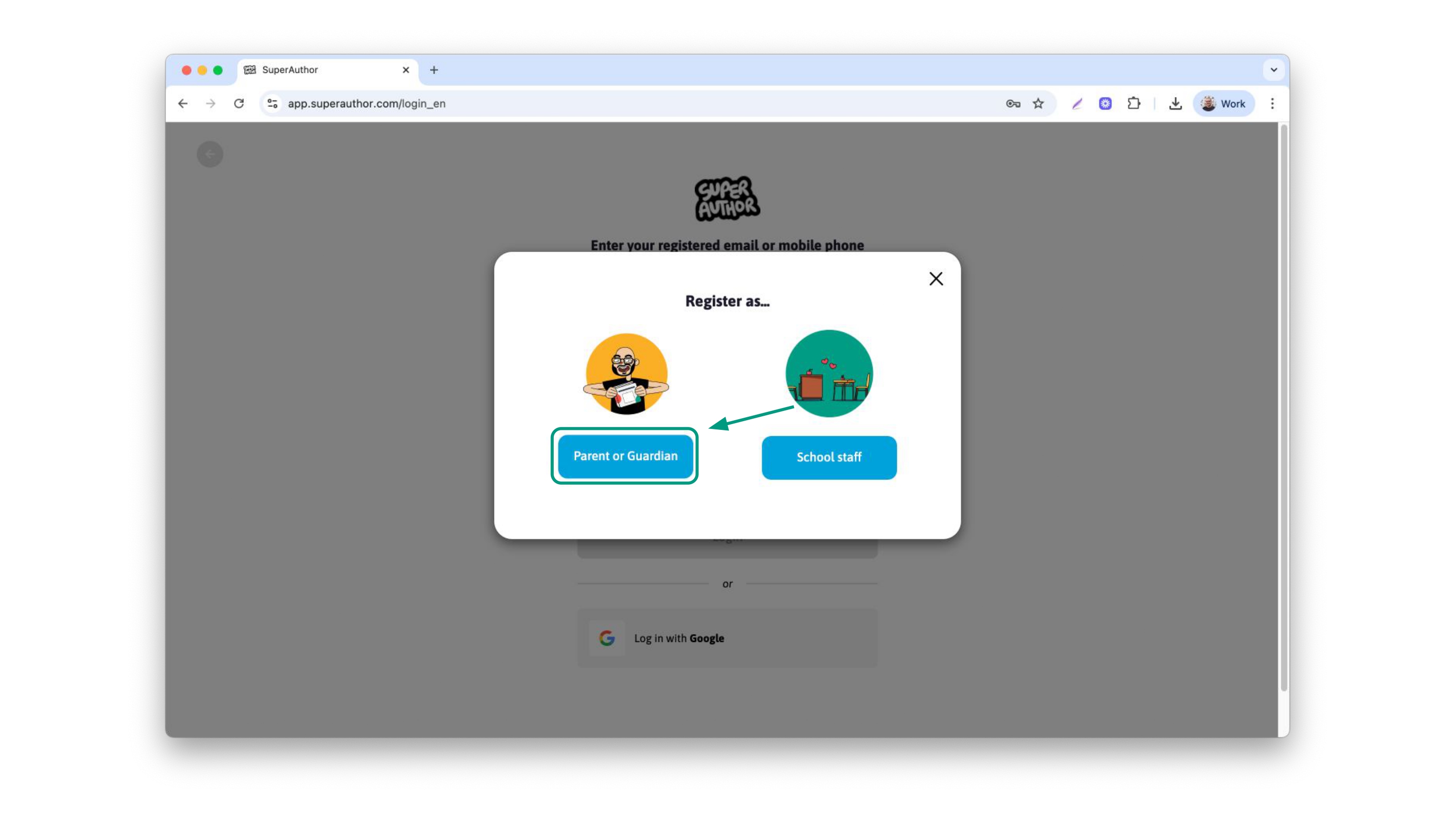
Select Parent or guardian
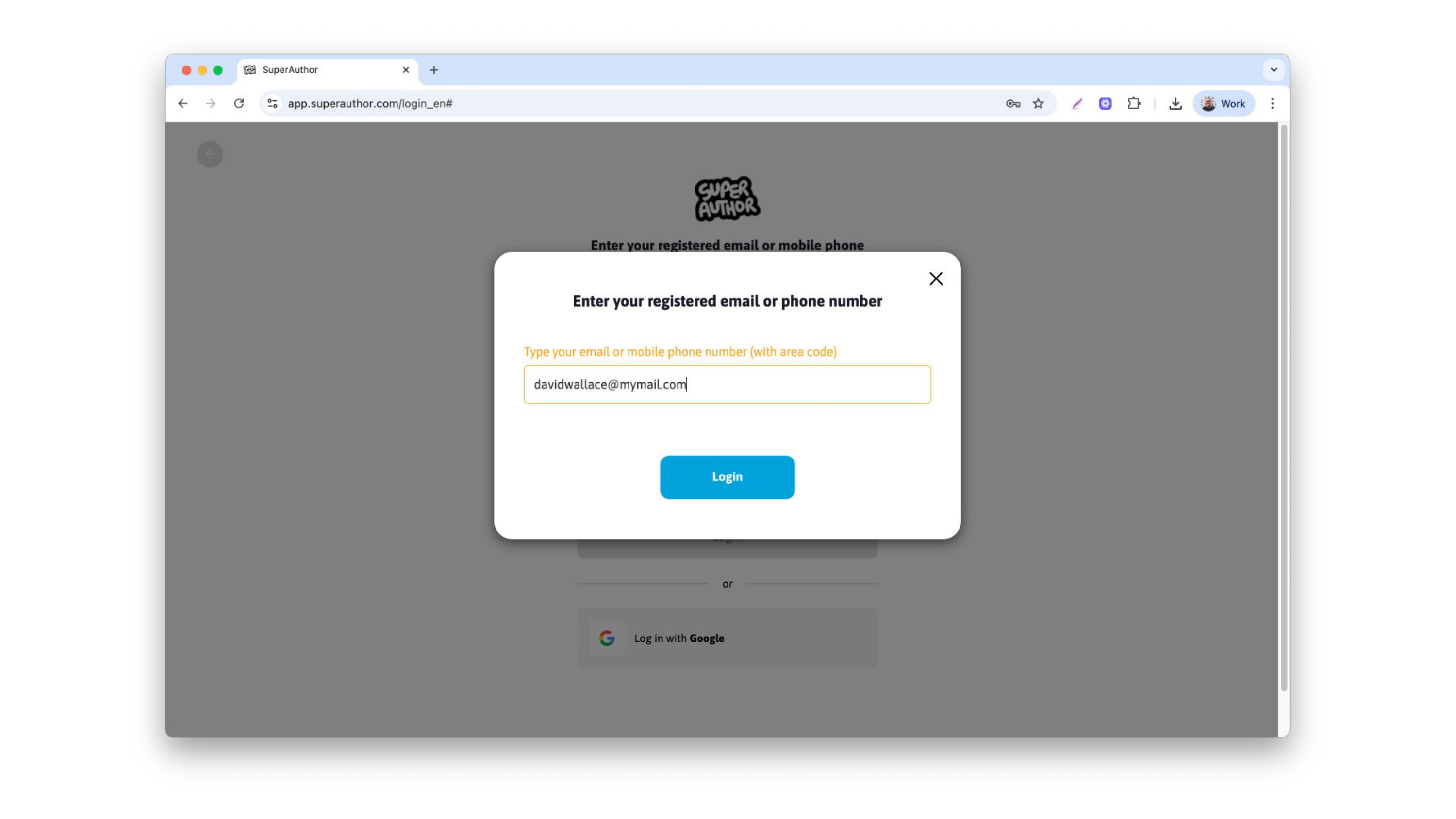
Type your e-mail or phone and click Log in
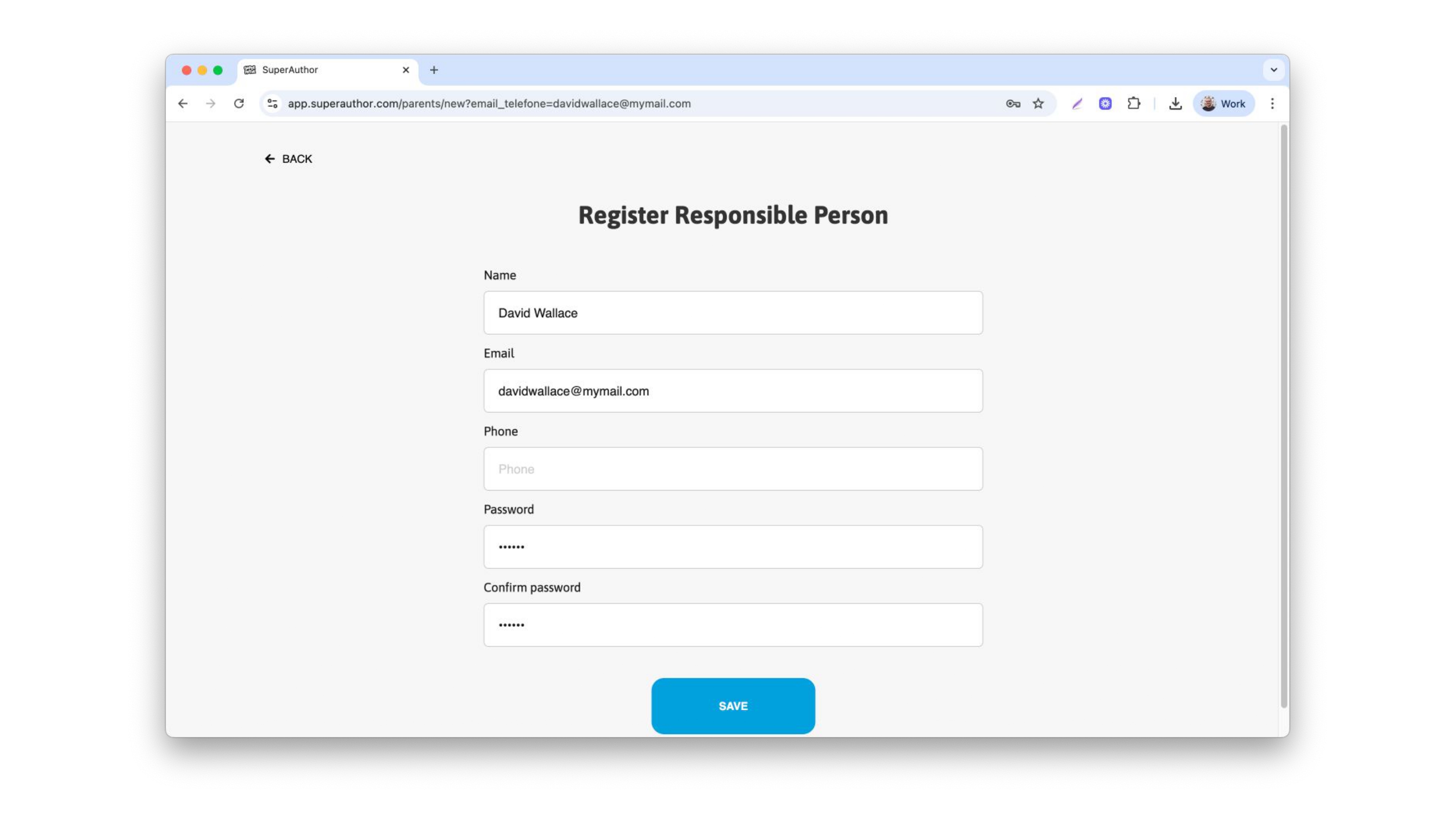
Fill in the following information
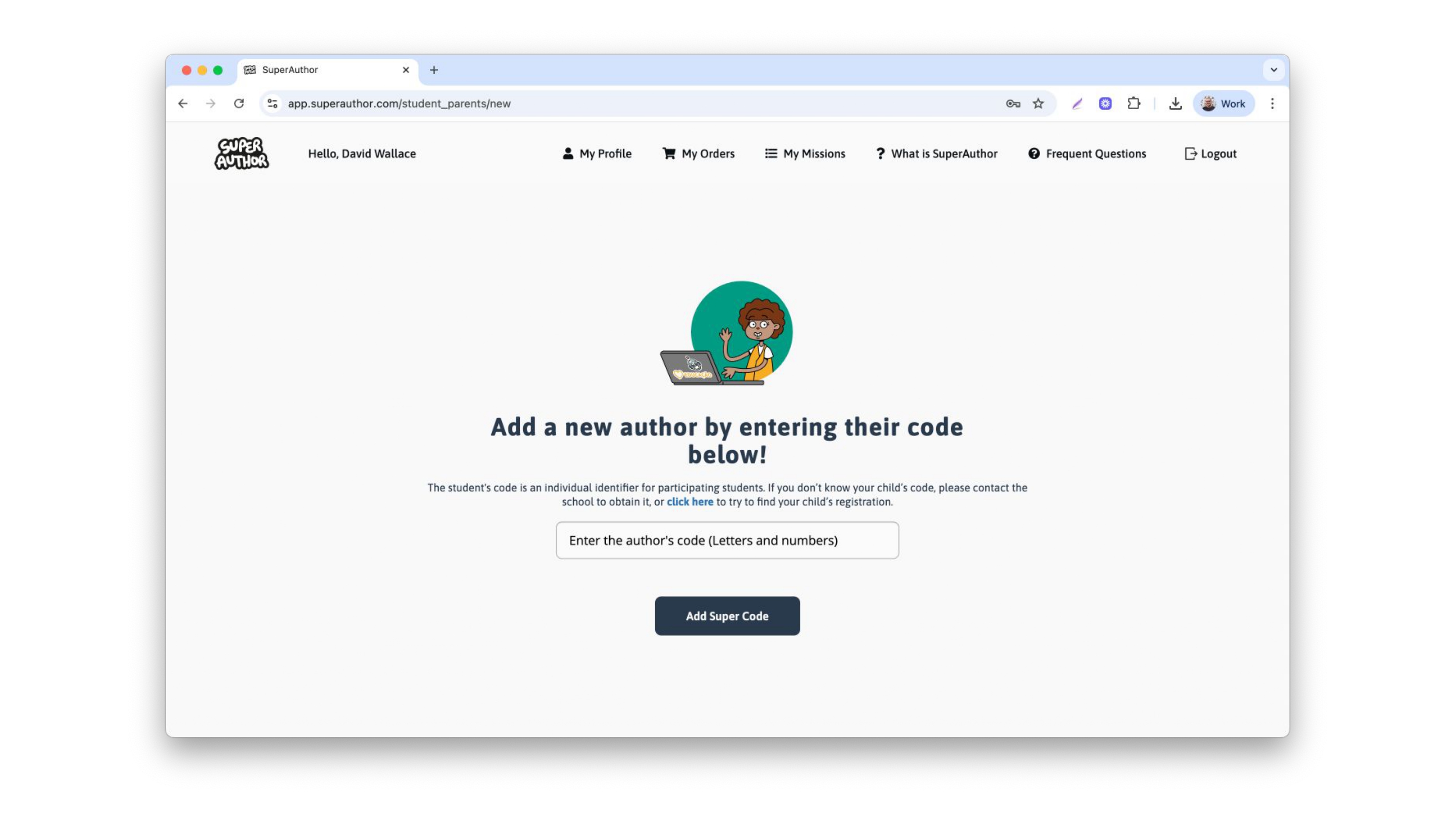
Add the code in your marketing flyer or click on the link to try and find your children by their name
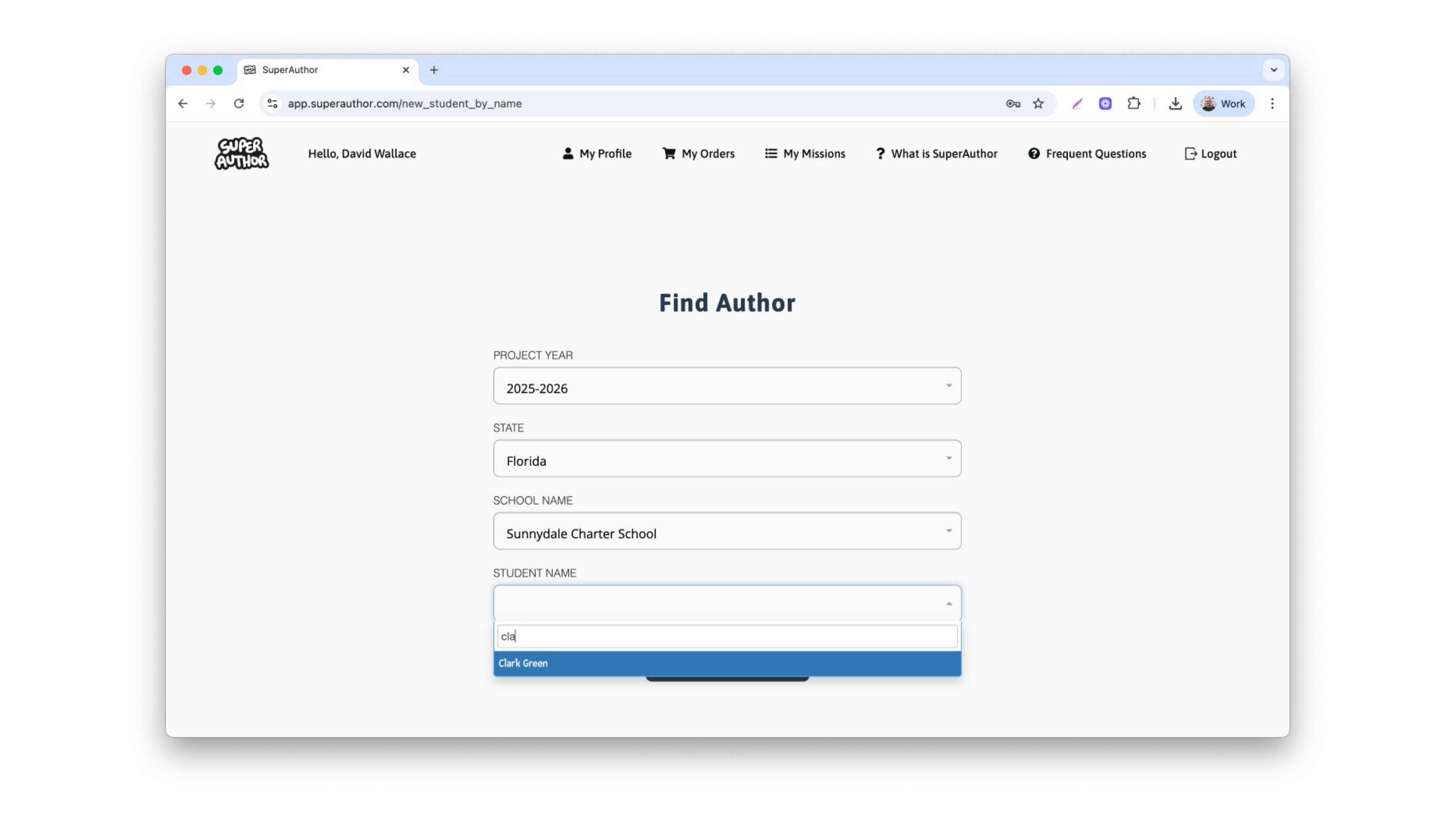
To try to find your children by their name, fill in the following information. For the school and child's name, you will be asked to type the first letters to find it easier. After confirming it, click on add author
You will be redirected to your dashboard, where you need to complete 3 missions: Biography and photo, family photo and book acquisition. Let's go step by step.