
This part can be built by our project consultant. Send us the following information and we can create it for you :)
- Book Layout
-
Type of text
-
Typed
- Larger font (480 characters/10 lines per page)
- Smaller font (1800 characters/20 lines per page)
- Handwritten
-
Typed
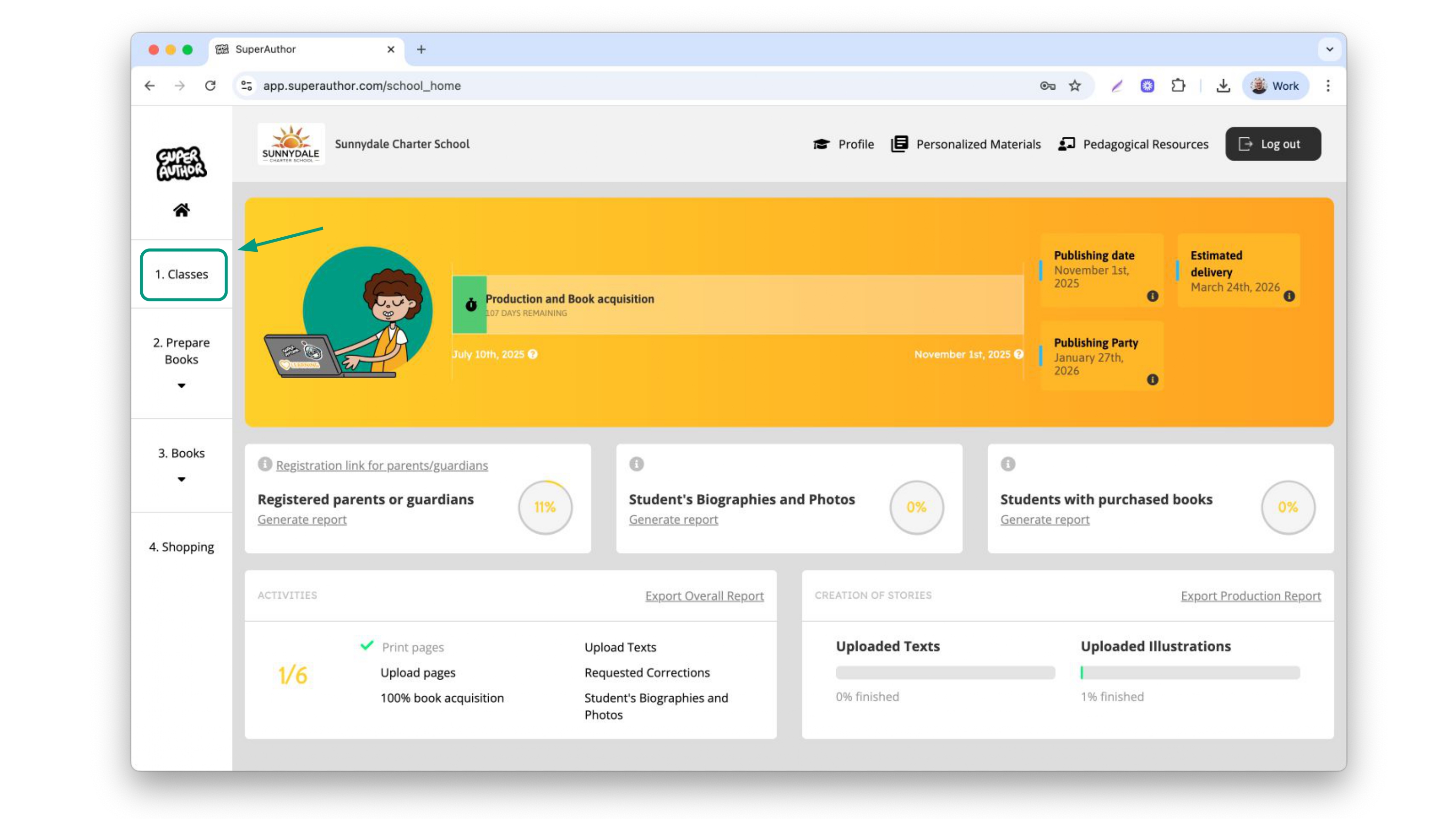
To set the definitions of the book by yourself, click on the side bar menu and click “classes”
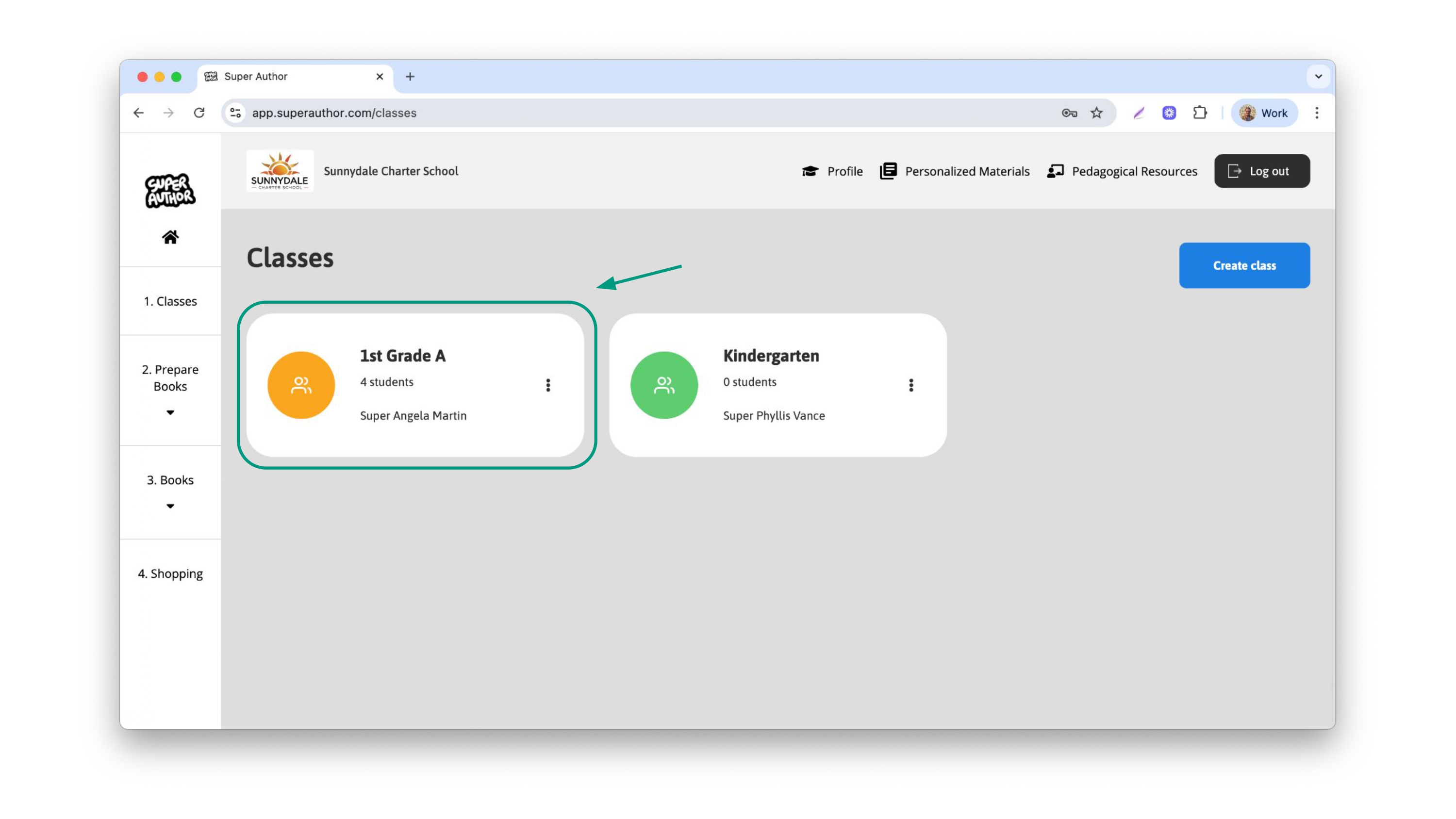
Then, click on your class
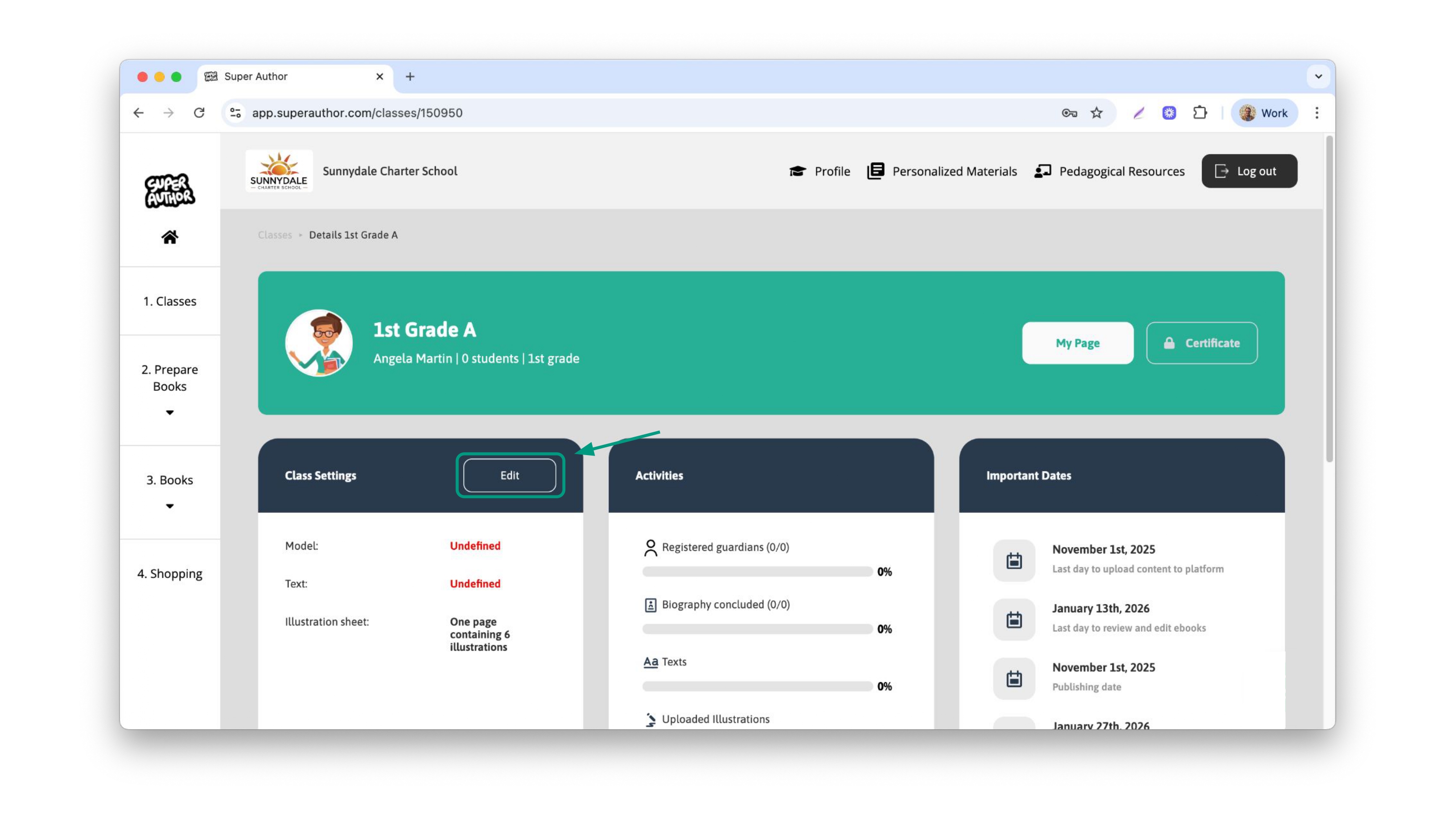
Then, click the button “Edit”, at the class settings session
First of all, select the book model you want for your class and click "Next”.
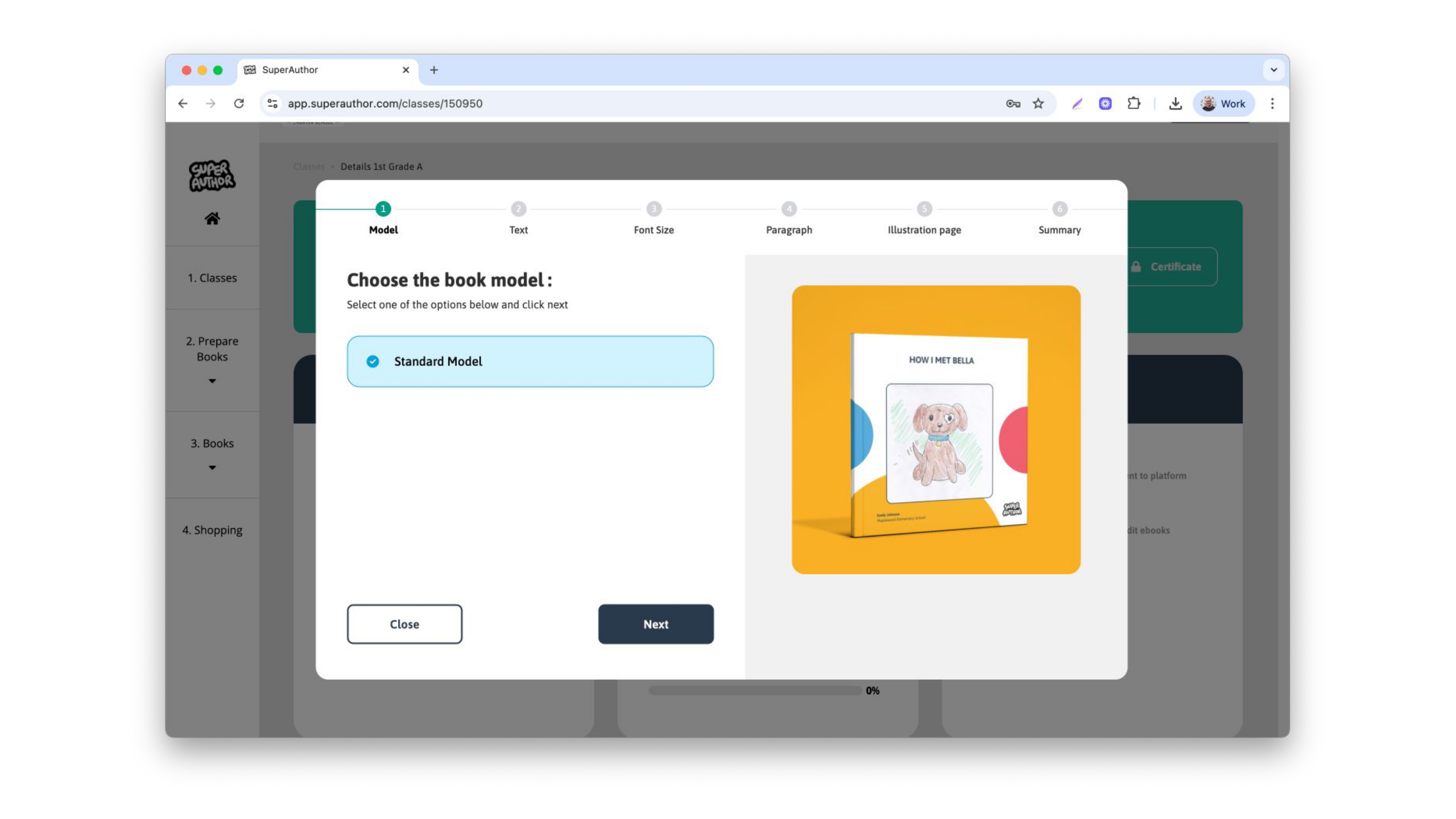
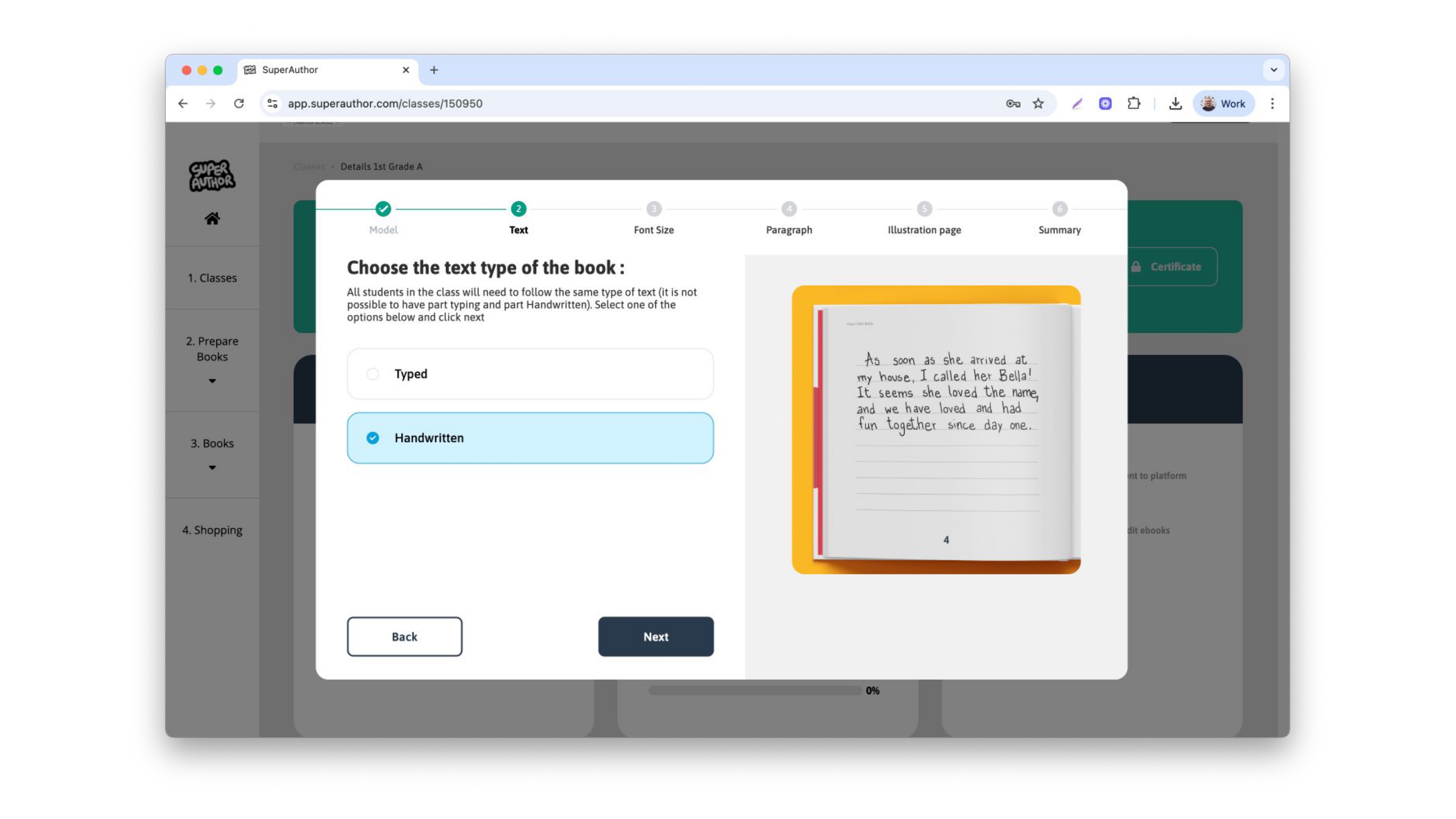
Then, select the text type for your class. We have a Typed and a Handwritten version. If you select Typed, there will be a few options regarding it
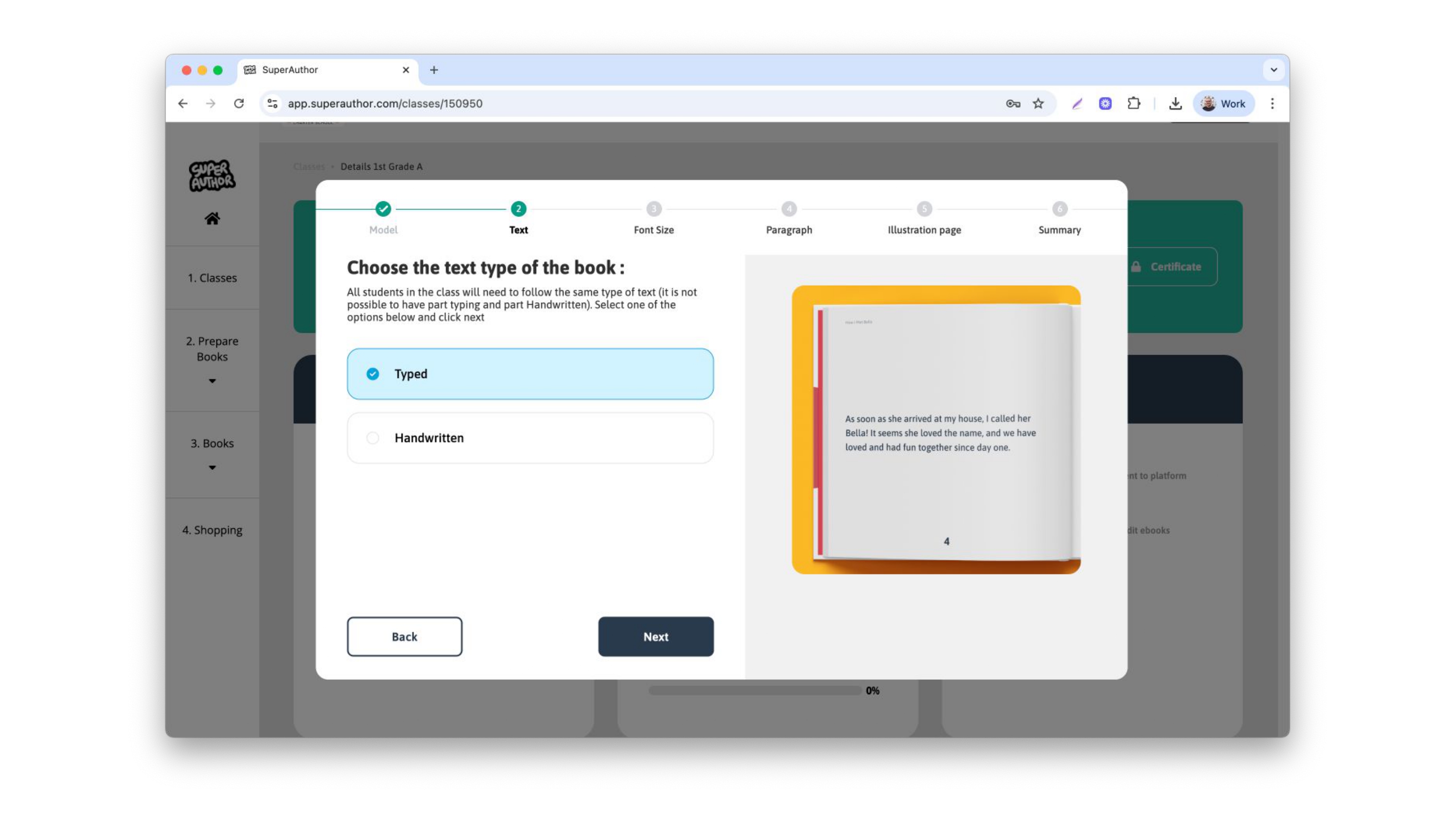
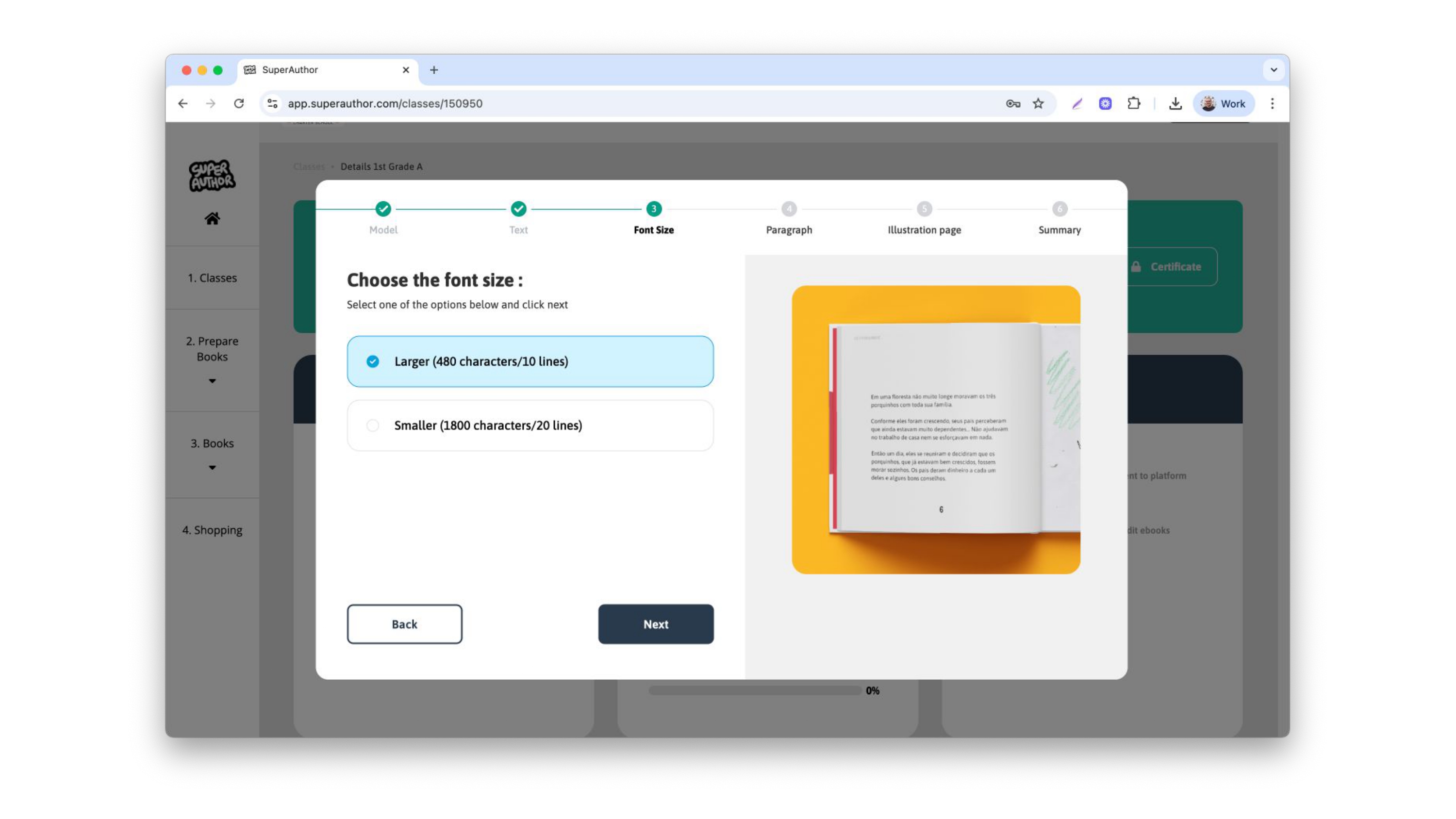
The first one would be the font size. You can choose between a larger font (480 characters/10 lines per page) or a smaller font (1800 characters/20 lines per page)
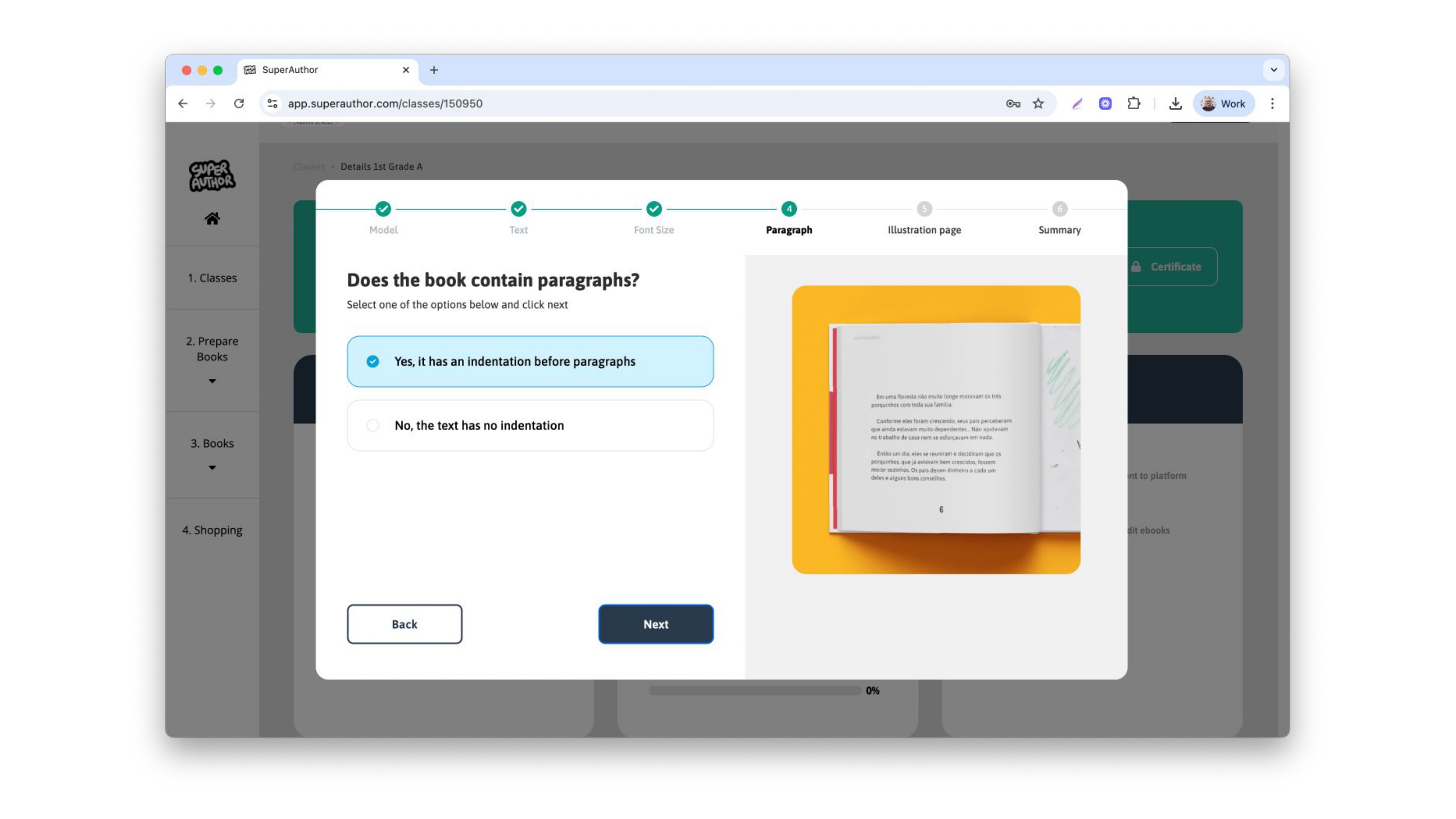
You can also choose to have an indentation before paragraphs
If you select "Handwritten", additional pages will be added to your downloadable files where your students can write the final version of their stories.
Then, choose the type of illustration pages you want for your class. You can choose the option of 1 page with 6 illustrations or 1 illustration per page.
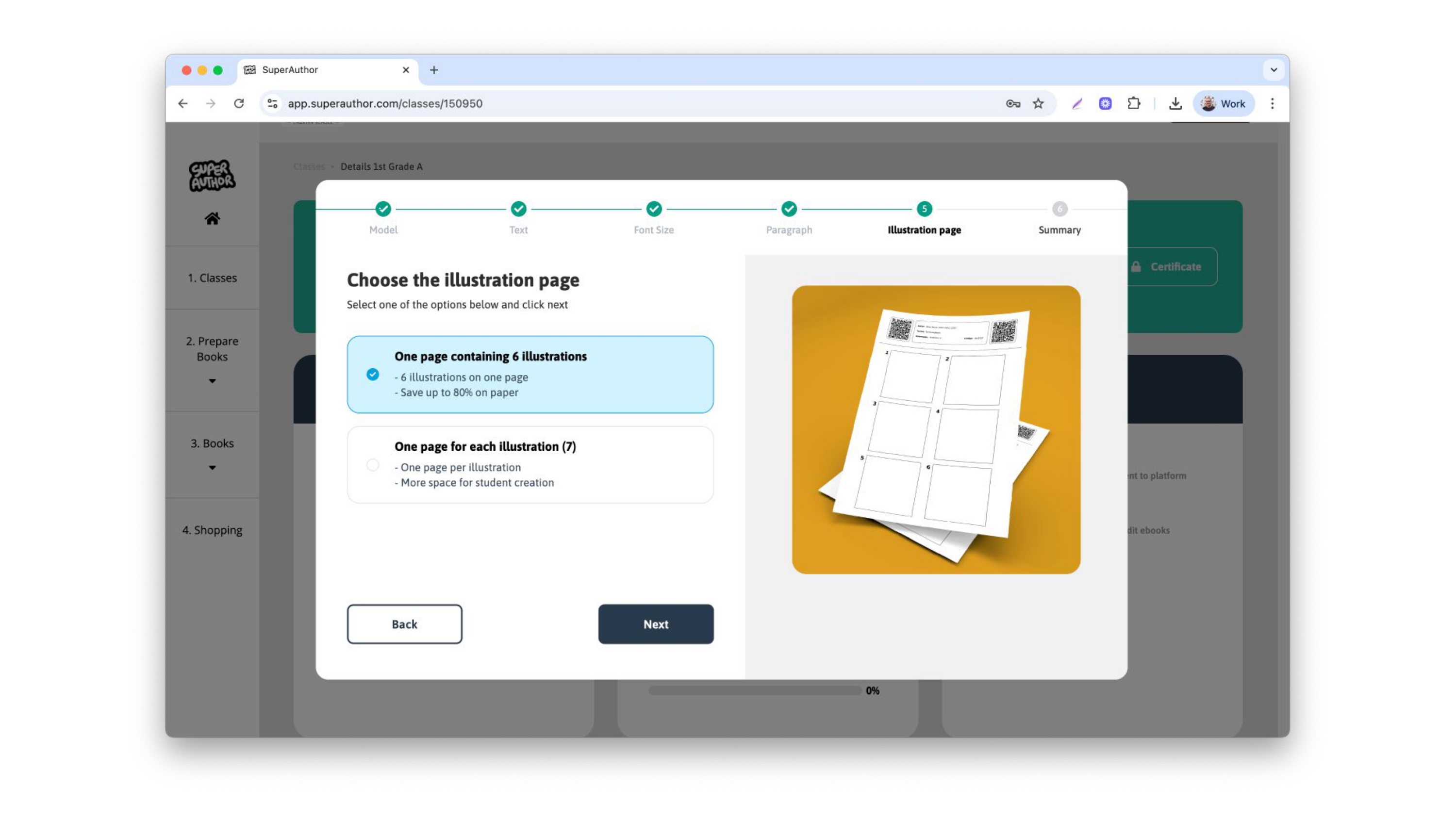
Then, save your choices
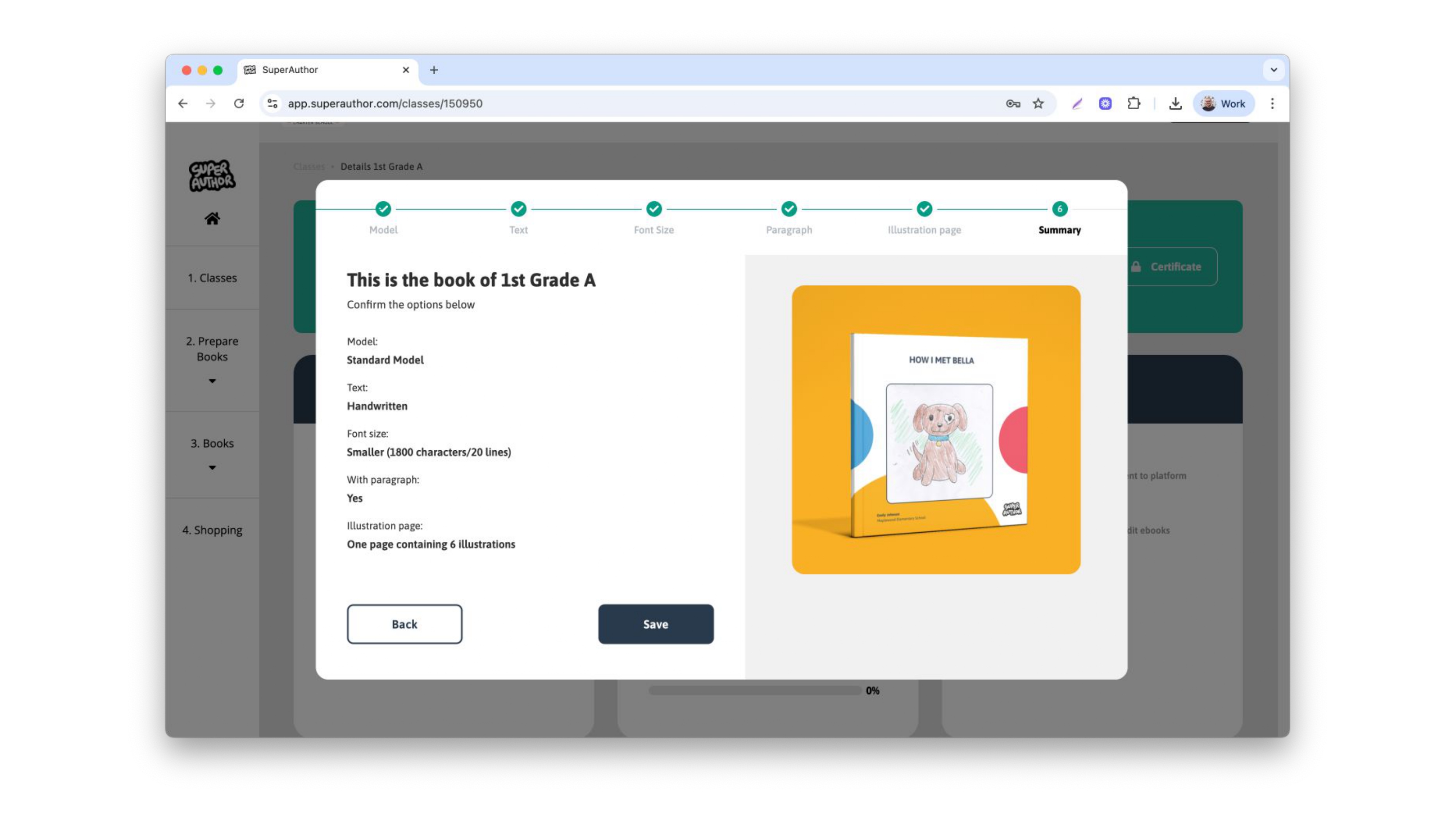
With your book setting done, you can Add your students and Download the pages so you can officially start the project. Don't forget to build your Teacher's Page too!