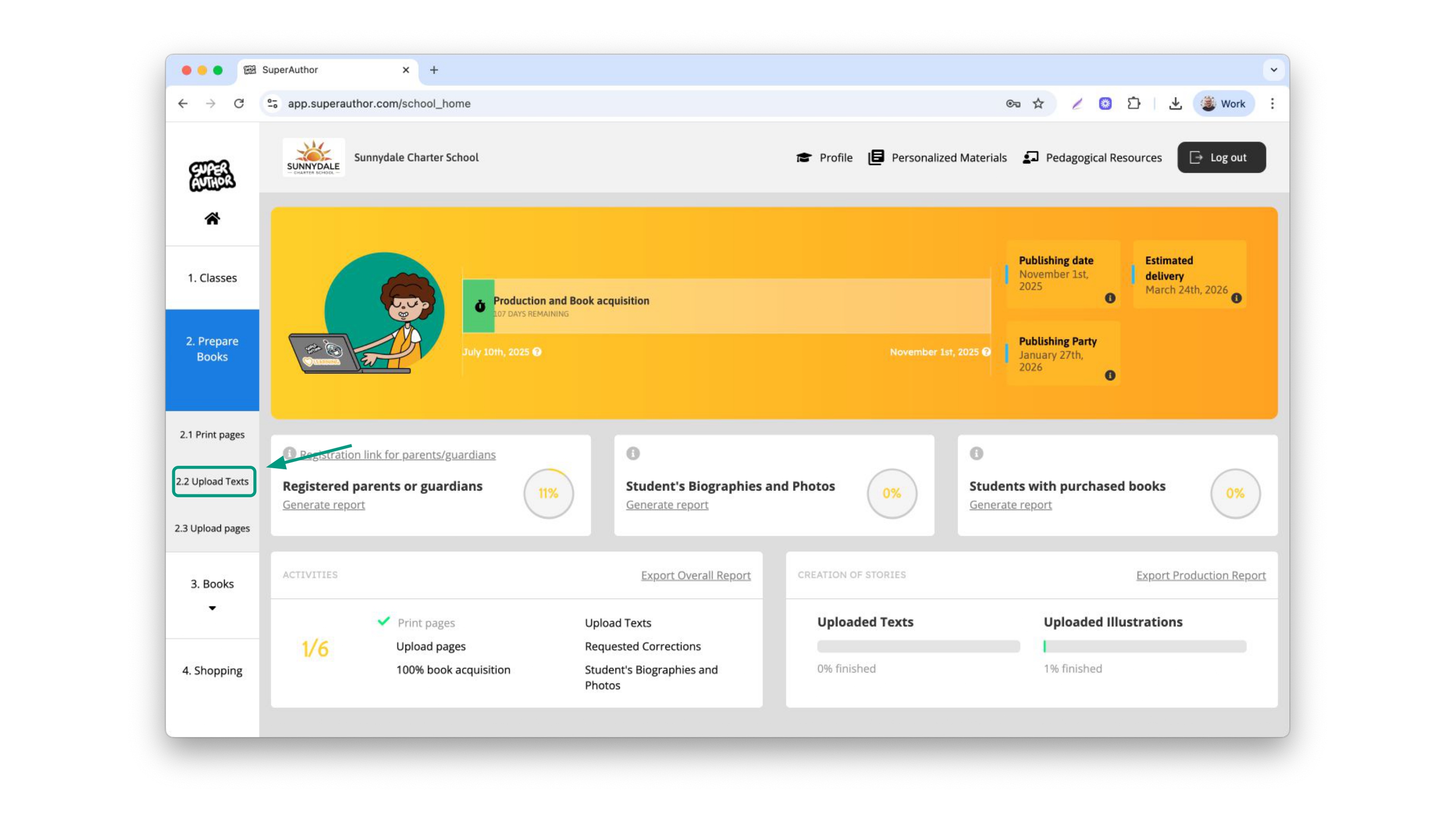
On the side menu, select "Prepare books" and them "Add text"
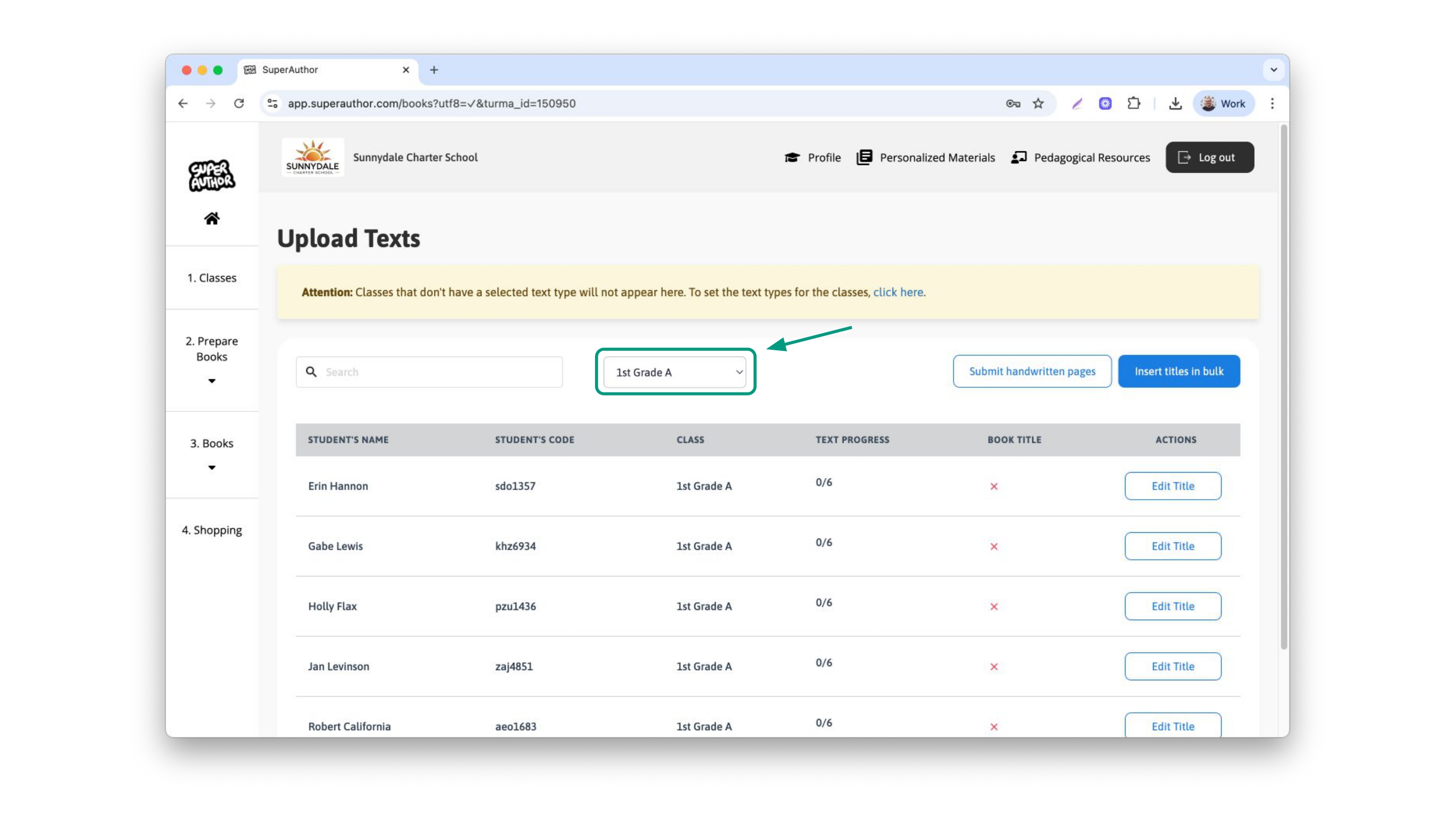
In this page, you will have a few options. We recommend you filter by classes to type the titles.
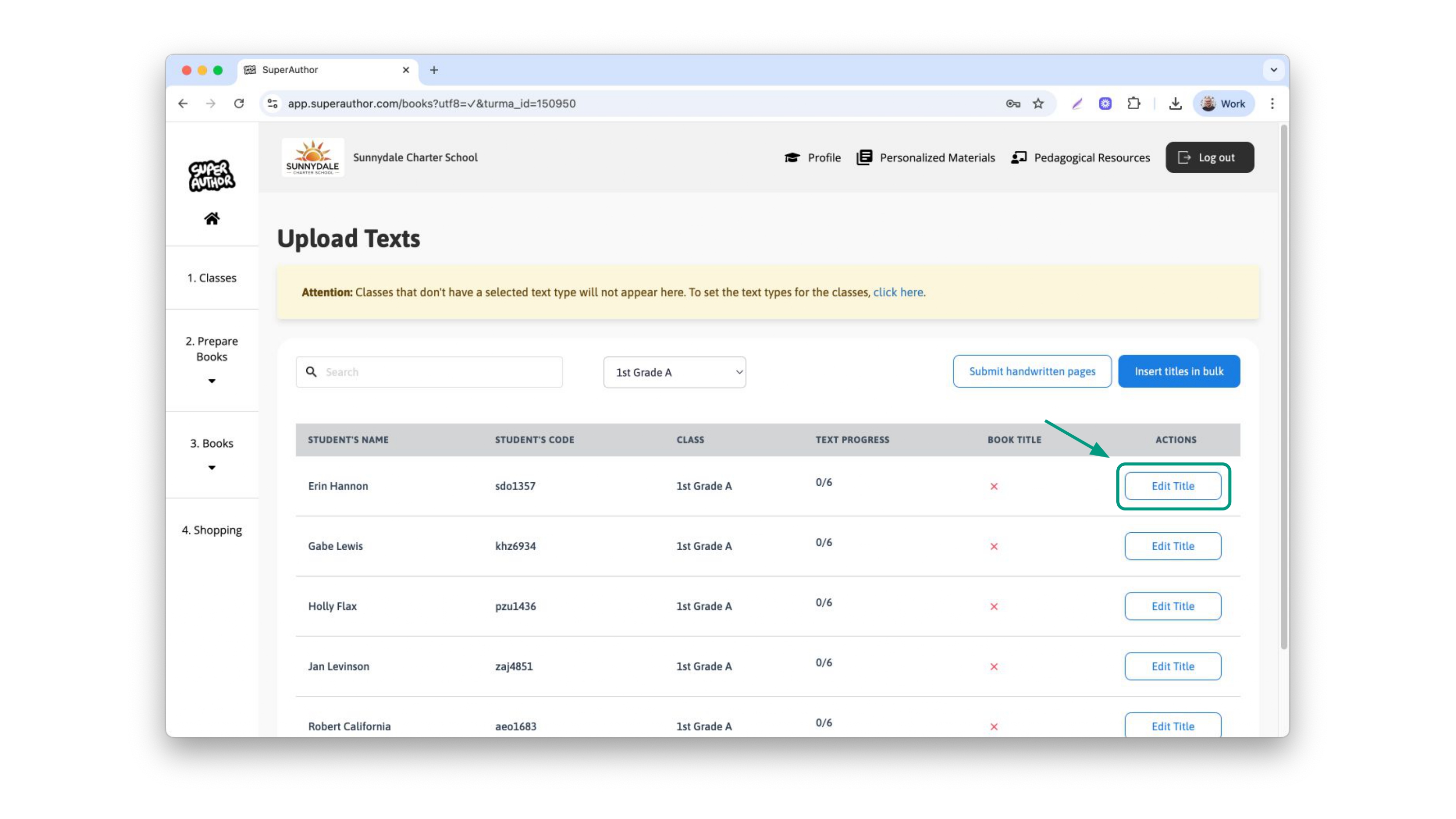
With your class selected, you can choose to type the titles individually, or to insert them in bulk, making all of the titles the same.
To type individual titles, click on the button on the side of each child's name
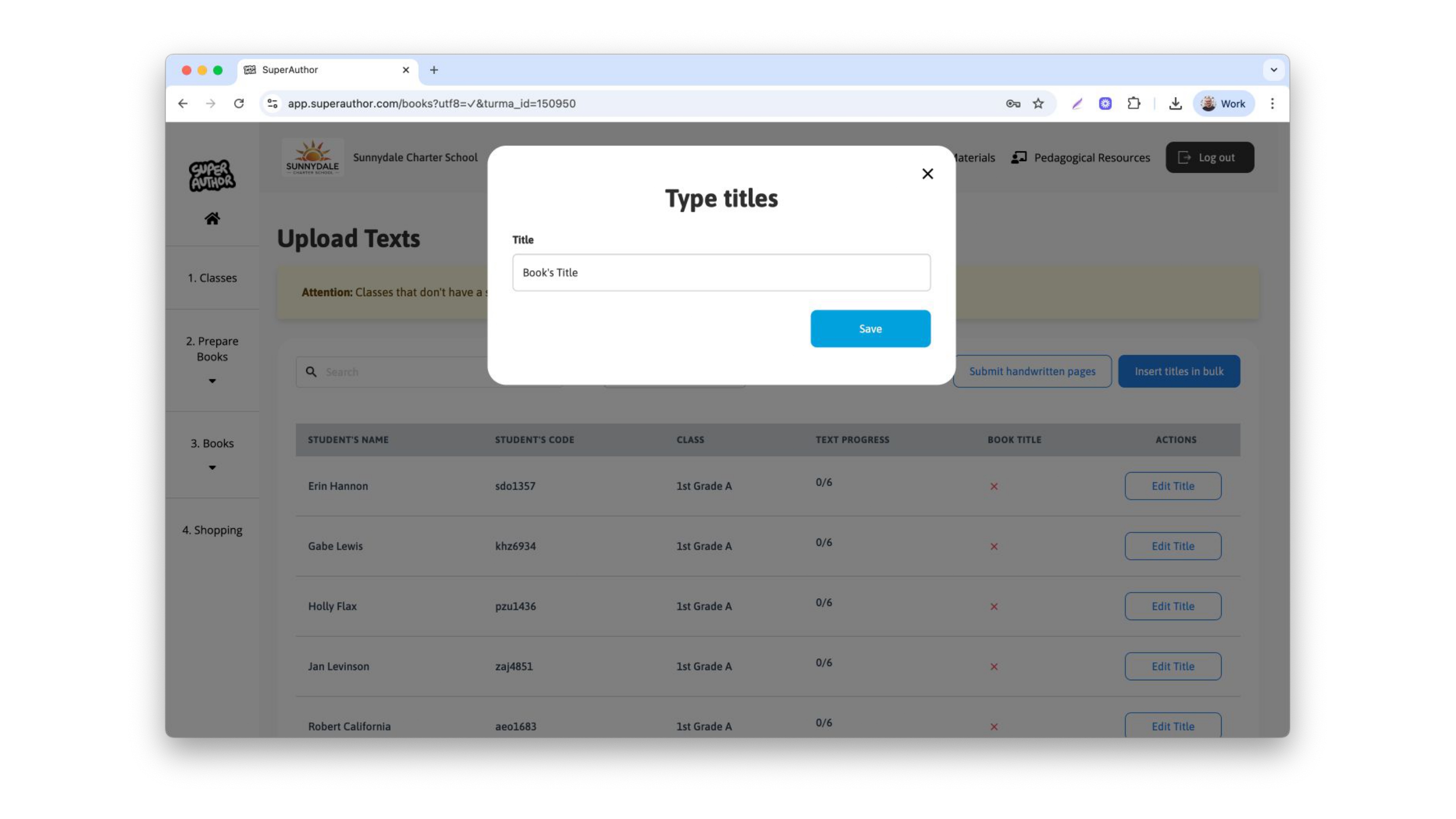
Then type the title of the book and click save
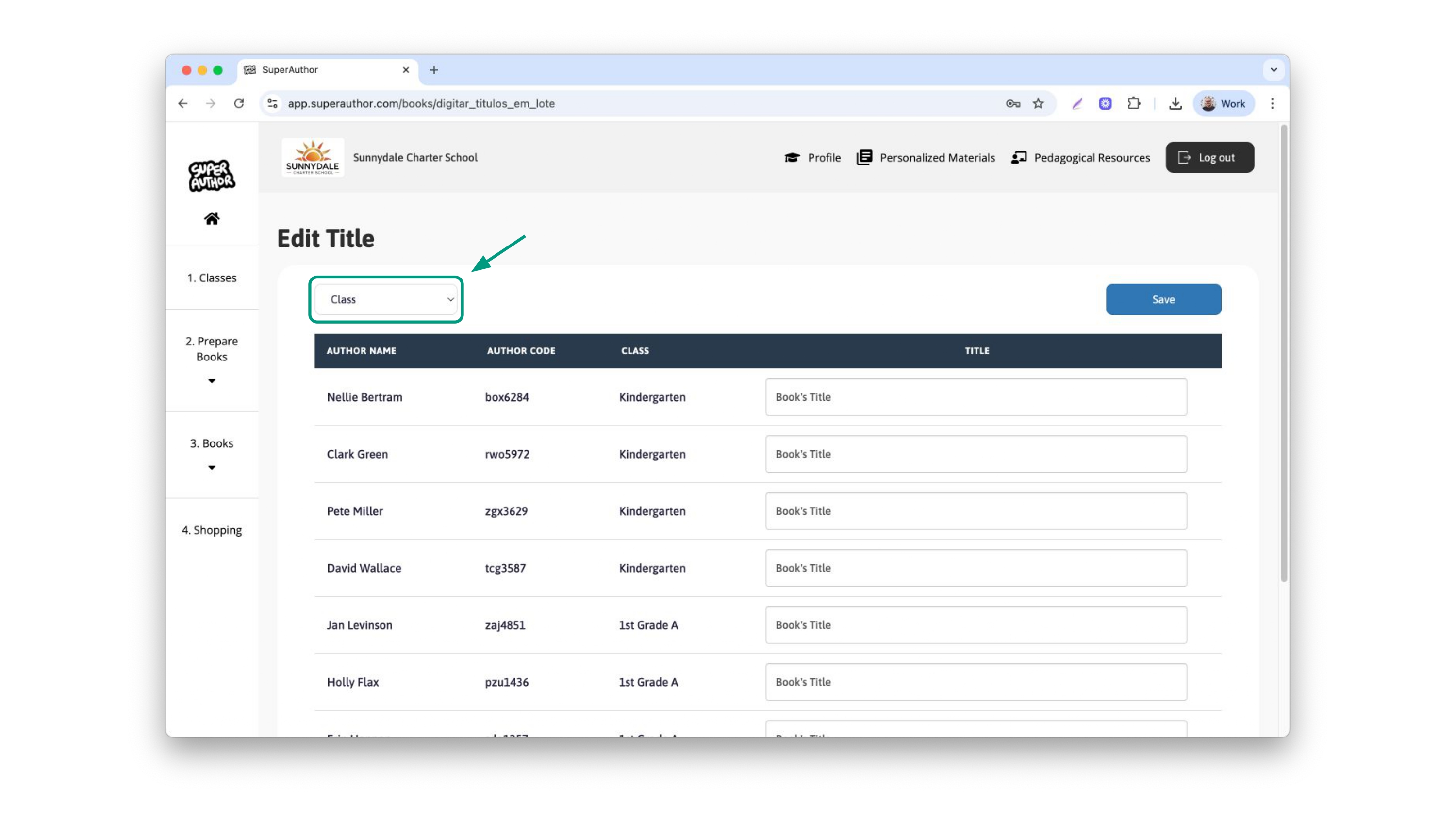
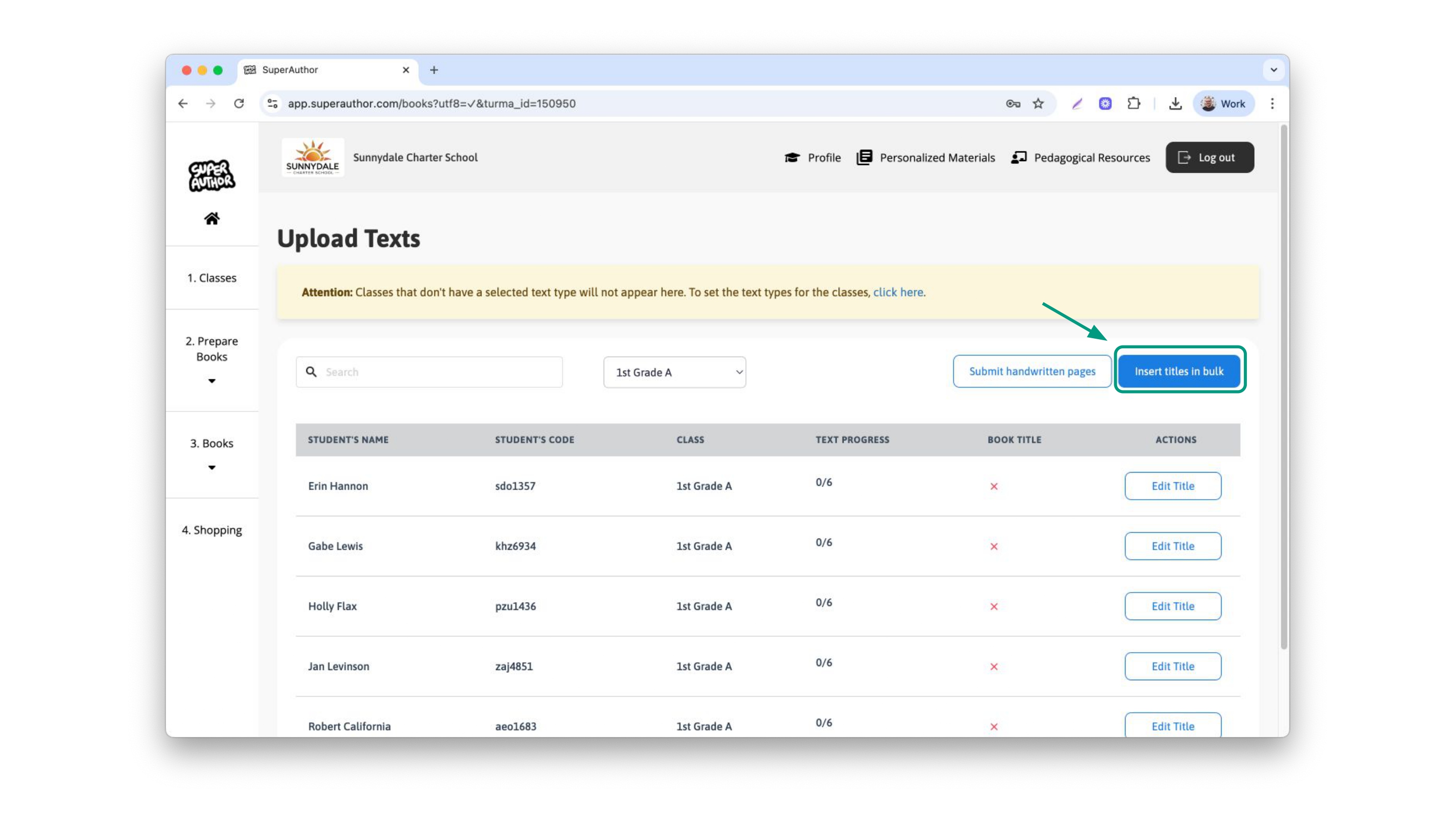
If you choose to insert them in bulk, be aware that all the previous typed titles will be deleted. To do so, click on the blue button “Insert titles in bulk”
This new page will appear. You can also filter per class to find your students in an easier way. Here you can type all of the titles in one screen. After you finish it, don't forget to click save at the bottom of the page.